How the system works
Pulso Flow is the tool you use to run your wellness studio: your members, their plans and payments, attendance, classes and accounts. Everything revolves around your studio, which can have one or several locations (physical sites).
The main pieces
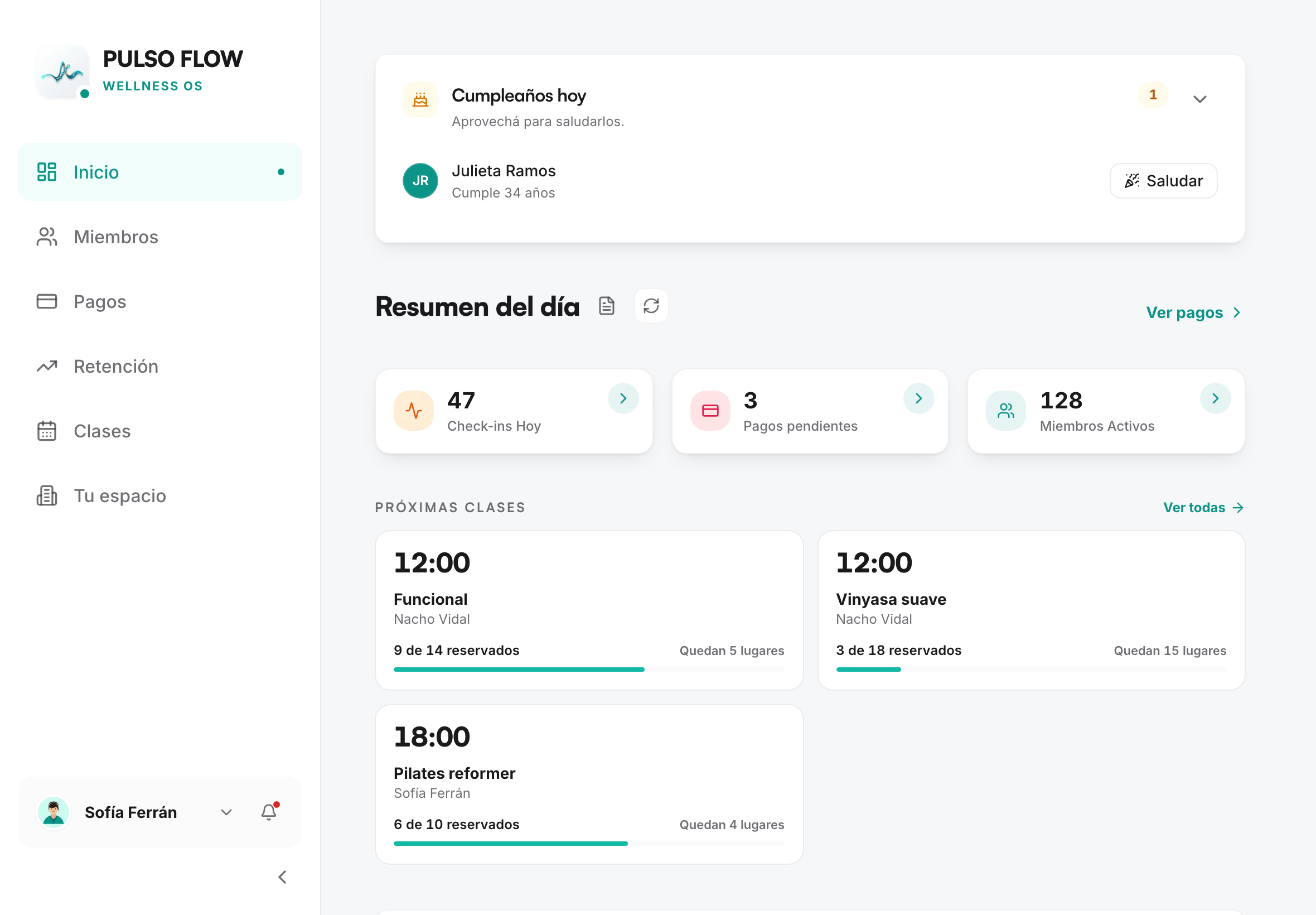
- Your studio and its locations. The studio is your organization. Each location is a physical site with its own address, hours, billing details and check-in QR code. If you have a single site, there's still a main location (the "headquarters").
- Members. The people who attend. Each member has a profile with their details and a membership.
- Plans and memberships. A plan is what you offer (for example, "Monthly", "Day pass", "Family plan"). A membership is the plan already assigned to a member, with its start and expiration dates.
- Payments. Every time a member pays for their membership, it's recorded. You confirm payments, and that activates or renews the membership.
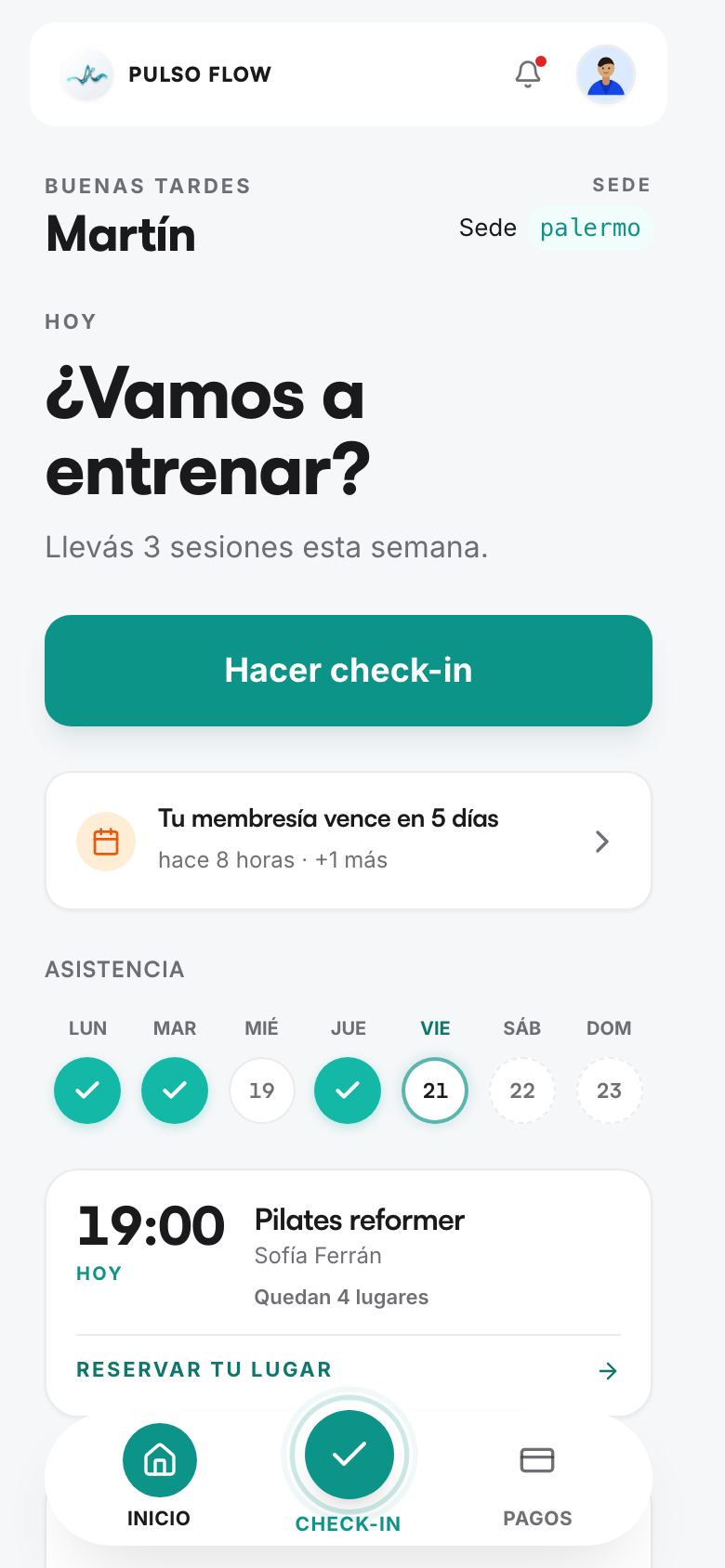
- Attendance (check-in). When a member arrives, they record their entry (usually by scanning the location's QR code). The system checks that their membership is up to date.
- Classes. If you work in time slots, you build a weekly schedule and your members book their spot from the app.
- Cash flow and reports. The system adds up your income (confirmed payments) and lets you record expenses, so you can see how your business is doing.
- Communication. The system automatically notifies your members (payment approved, membership about to expire, birthday, etc.) and you can also send them messages.
The typical journey
- You set up your studio: details, locations, hours and the plans you'll sell.
- You add members and assign them a plan.
- You record the payment and the membership becomes active for the duration of the plan.
- Members attend and record their entry.
- The system works on its own: it flags expirations, detects inactive members, sends birthday greetings.
- You review your numbers on the dashboard and in the cash flow view.
An important note: your Pulso Flow subscription
Using Pulso Flow has its own subscription (what you pay the platform, which is different from what your members pay you). You start with a trial period and then renew according to the plan you choose. If the subscription expires and isn't renewed, access to the platform is affected. We cover this in detail in Set up your studio.
Who can do what
There are different access levels: the studio owner, the staff, and the members. Each one sees and does different things. This is detailed in Team and permissions.