
Attendance and check-in
Annex: Why check-in holds everything up — the full walkthrough with screenshots, the table of what happens at the door for each membership status, and the nine features that stop working when entries aren't recorded.
Check-in is how you record that a member attended. The usual case is the member scanning the QR code at the entrance on arrival; the system checks that their membership is up to date and records the attendance. This feeds your reports, activity tracking and class control.
How an entry is recorded
- With QR: each location has its QR code printed at the entrance. The member scans it and is recorded at that location.
- Recorded by staff: staff can also record a member's entry.
If the member's membership is active, the entry is approved instantly.
When an entry is blocked
If the membership isn't up to date, the entry isn't recorded and the member receives a notice with the reason. The possible reasons:
- Expired: their paid period has ended.
- Paused: it's frozen.
- Cancelled or inactive: they have no current membership.
- Out of credits: their plan includes a number of sessions per week and they've used them all (see Classes and bookings). A day already used doesn't count again: they can come back in the same day without spending another credit. Staff aren't subject to this cap.
These blocked attempts are recorded, so you can see who tried to enter without being up to date (they appear on the dashboard; see Reports and dashboard).
Which location they can enter
By default, a member can only record an entry at their location. If their plan has access to all locations, they can do so at any site of your studio. Visits are recorded with the location where they happened, and the ones outside their own location are flagged. This is configured in the plan (see Plans and memberships).
Automatic check-out
If a member records their entry but doesn't check out, the system considers them gone automatically after a while (around 1 hour). This keeps the record of who's inside clean. Staff and owners are not subject to this automatic check-out.
Notes and activity type
When recording an entry you can save:
- Activity type (free text, for example "Yoga", "5K", "Legs").
- Member note: a personal observation by the member about their session.
- Staff note: an internal observation. If an entry is rejected, this note is used as the reason and reaches the member.
Relationship with activity tracking
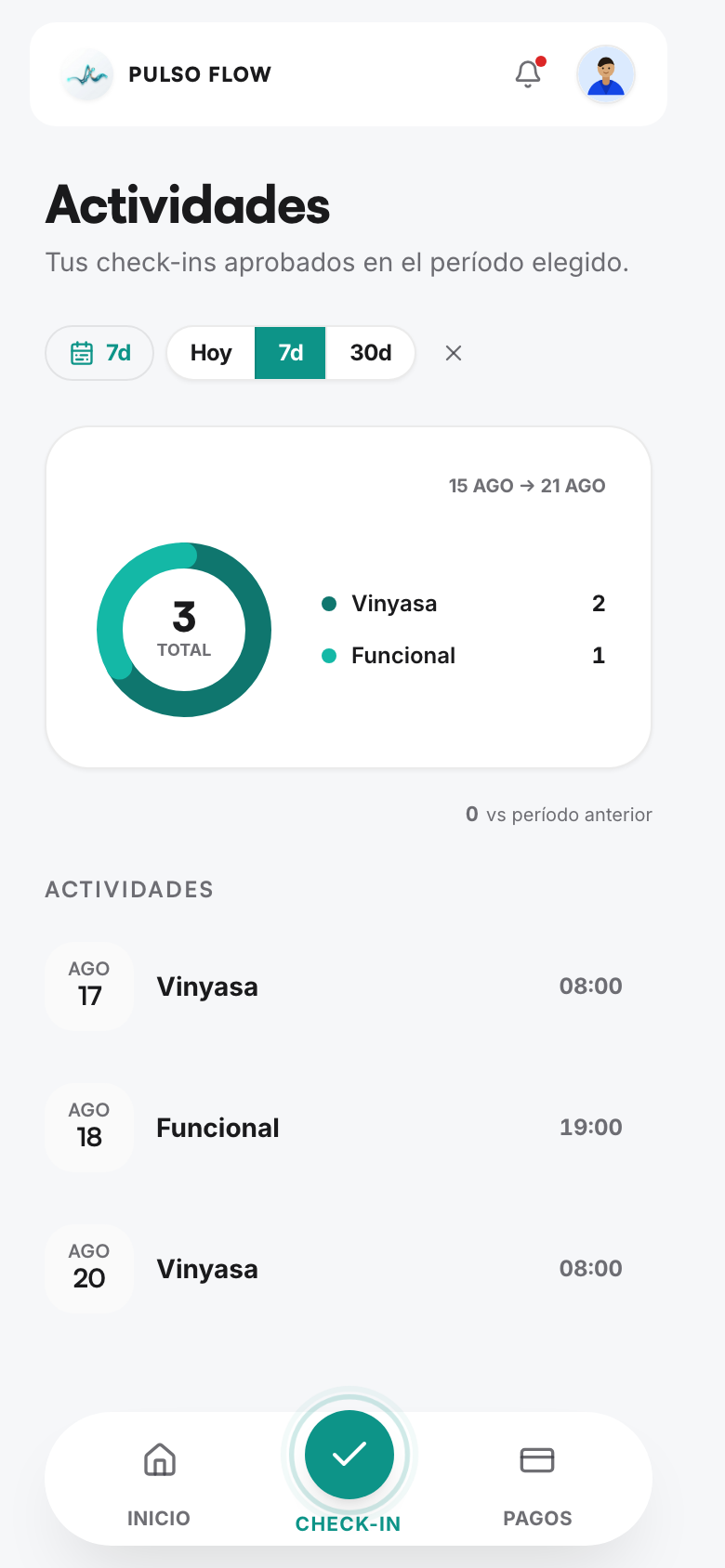
Approved attendances are what count toward detecting inactive members, toward the weekly streak, and toward the plan's weekly credits. If a member doesn't record an entry in a week, that affects their tracking (see Member management).